How to Stop Other Cats Coming In Through Your Cat Flap
Why Other Cats Come In
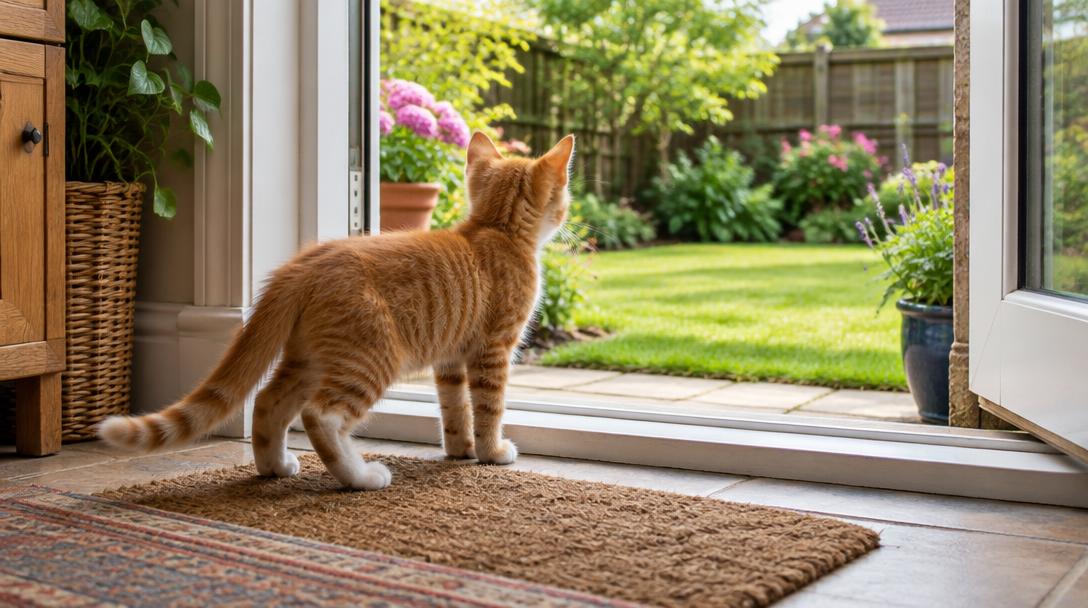
Cats are territorial and curious. If a neighbouring cat discovers an easy way into your home — through an unlocked cat flap — they'll keep coming back. Common problems include:
• Stray cats eating your cat's food
• Neighbourhood cats spraying or marking territory inside your home
• Cat fights happening indoors
• Your cat becoming stressed and refusing to use the cat flap
A basic manual cat flap offers no protection against this. Even magnetic or infrared collar-key flaps can be unreliable, as collars get lost and some determined cats learn to follow your cat through before the flap closes.
The Best Solution: A Microchip Cat Flap
The most effective and permanent solution is a microchip cat flap. Here's why:
• It reads your cat's unique microchip number and only unlocks for registered cats
• No collar, tag or magnet needed — your cat's microchip is always with them
• The flap stays locked at all times unless your cat approaches
• You can register multiple cats from your household
• Stray cats, foxes and other animals cannot get in
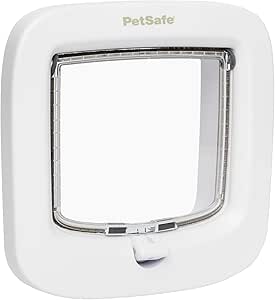
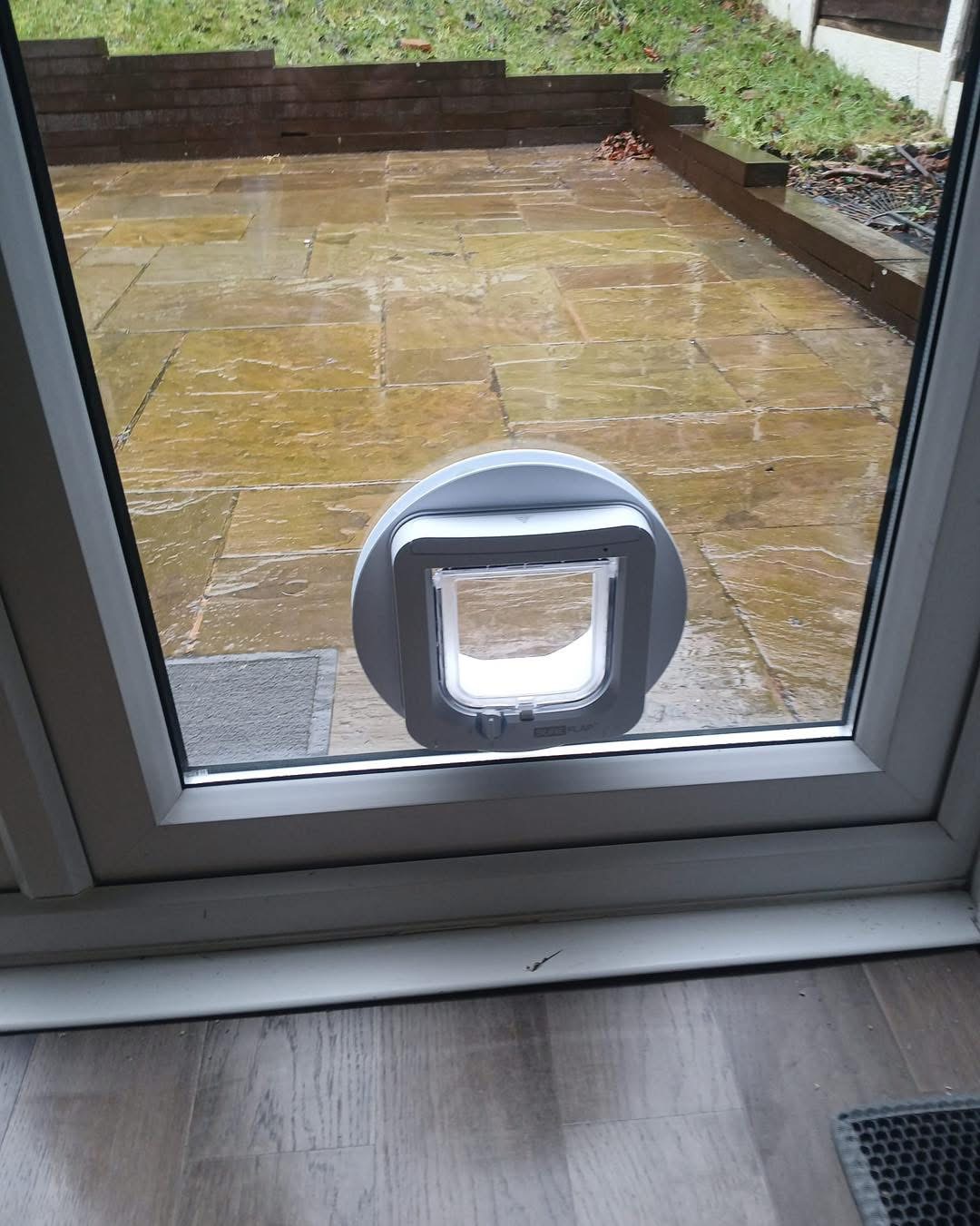
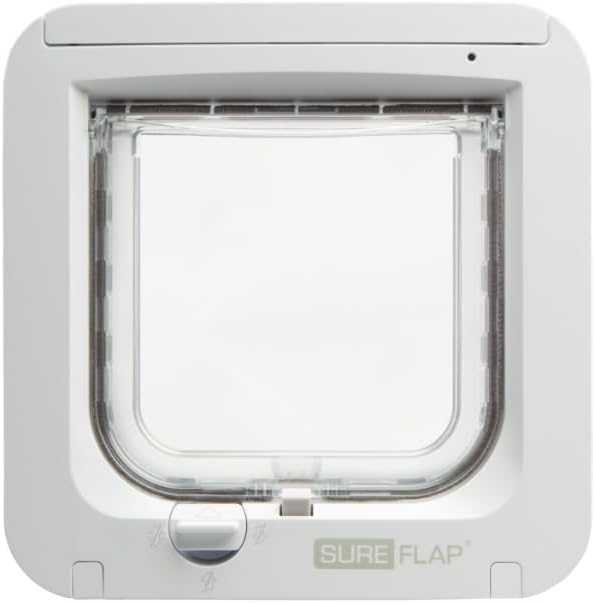
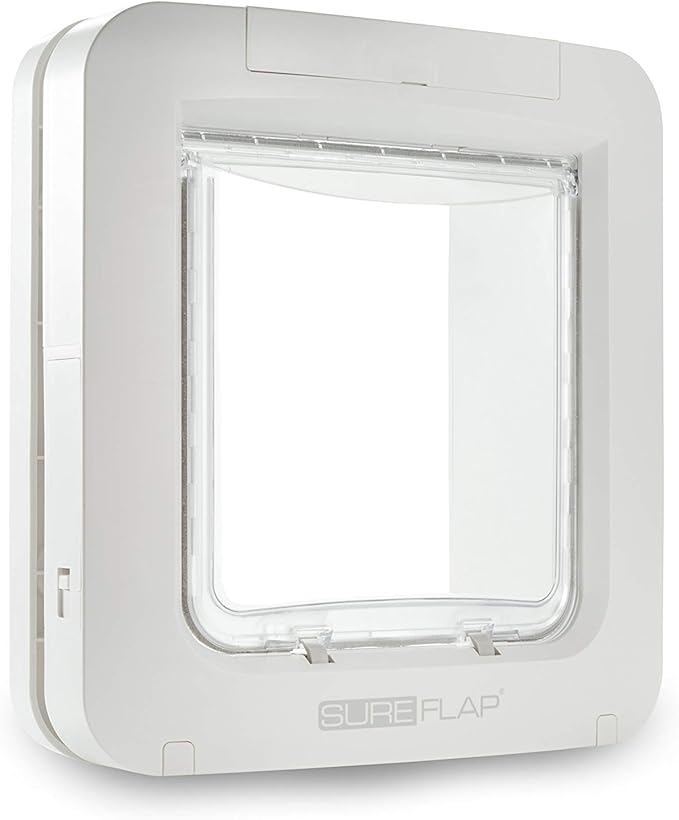
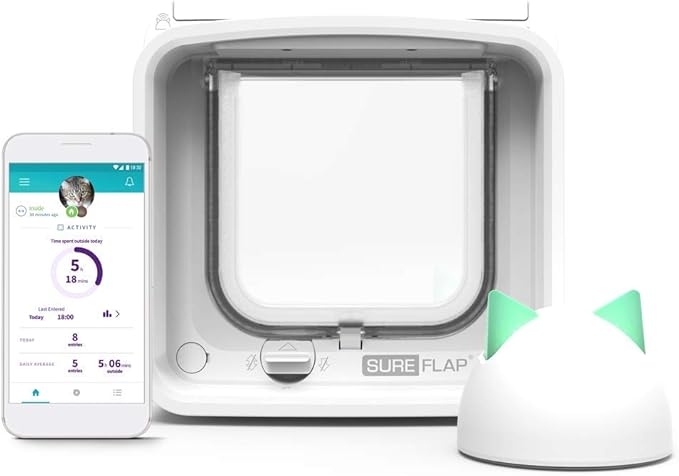
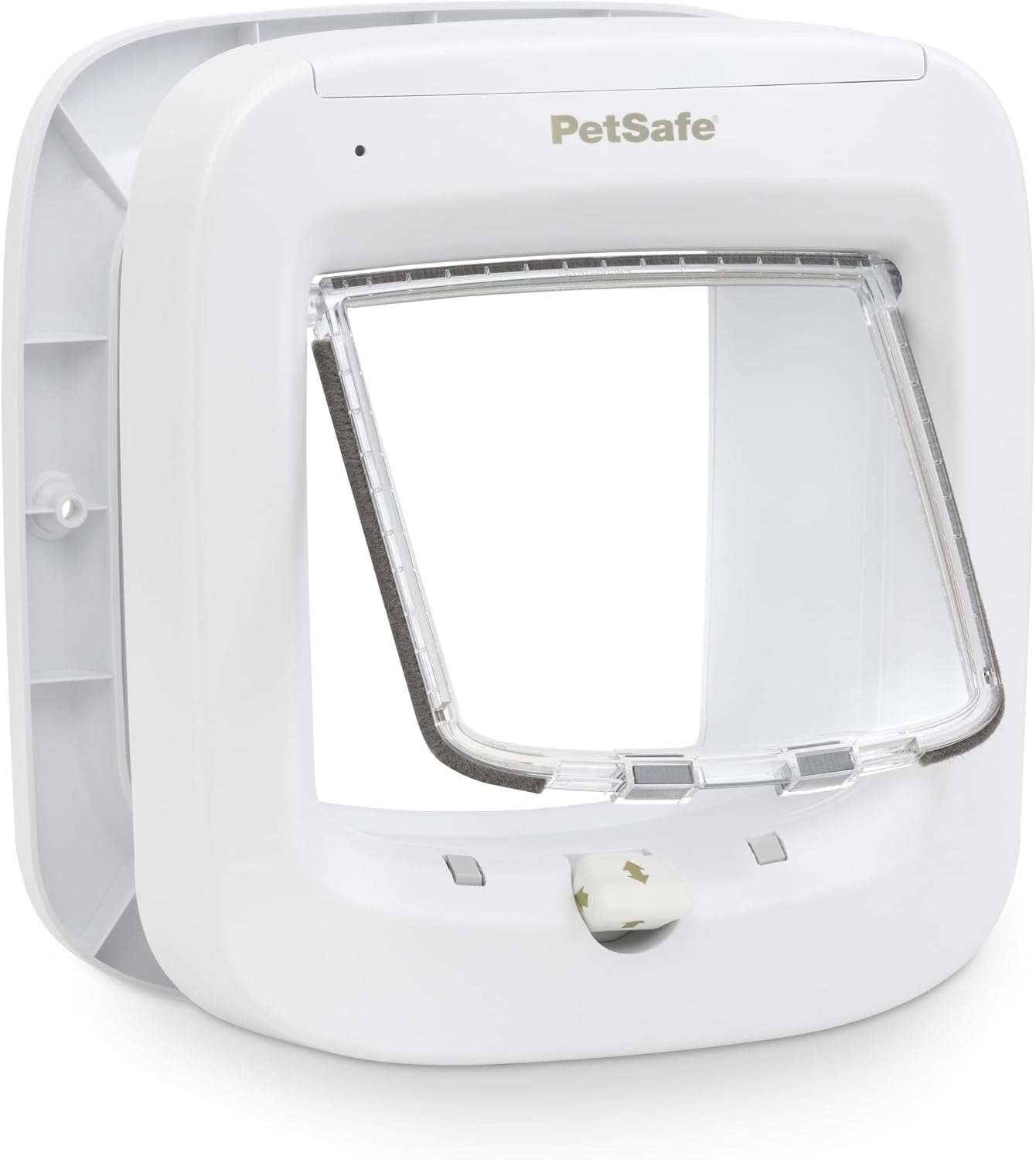
Brands like SureFlap, PetSafe and Closer Pets all make reliable microchip cat flaps. The SureFlap is the most popular choice and the one we fit most often.
What If My Cat Isn't Microchipped?
If your cat isn't microchipped, we'd recommend getting them chipped first — it's a legal requirement in England for cats born after June 2024, and most vets charge around £20–£30 for the procedure.
Alternatively, some microchip cat flaps come with RFID collar tags that work the same way, so your cat doesn't need to be chipped. However, collar tags can be lost, so microchipping is the better long-term solution.
We Can Help
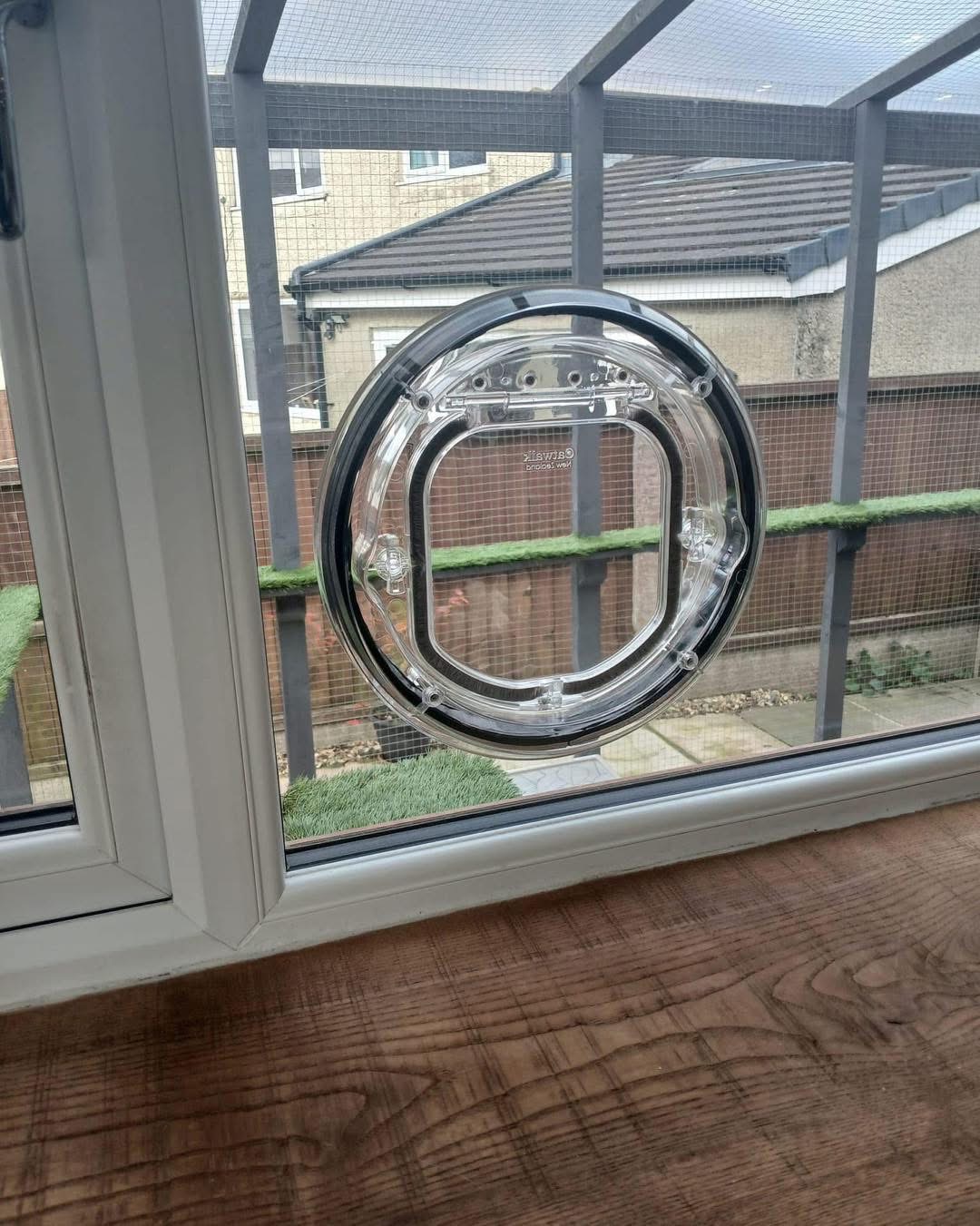
If you're dealing with unwanted cat visitors, we can upgrade your old cat flap to a microchip model. We install in all door types — glass, UPvc and composite — across North West England, Cheshire, Staffordshire and North Wales. Contact us for a free quote.
Shop Microchip Cat Flaps on Amazon:
Manual Cat Flaps: