Will ZeroMOUSE 2.0 Fit My Cat Flap? UK Compatibility & Fitting Guide
The 30-second check
ZeroMOUSE 2.0 will usually fit if you can answer yes to all three:
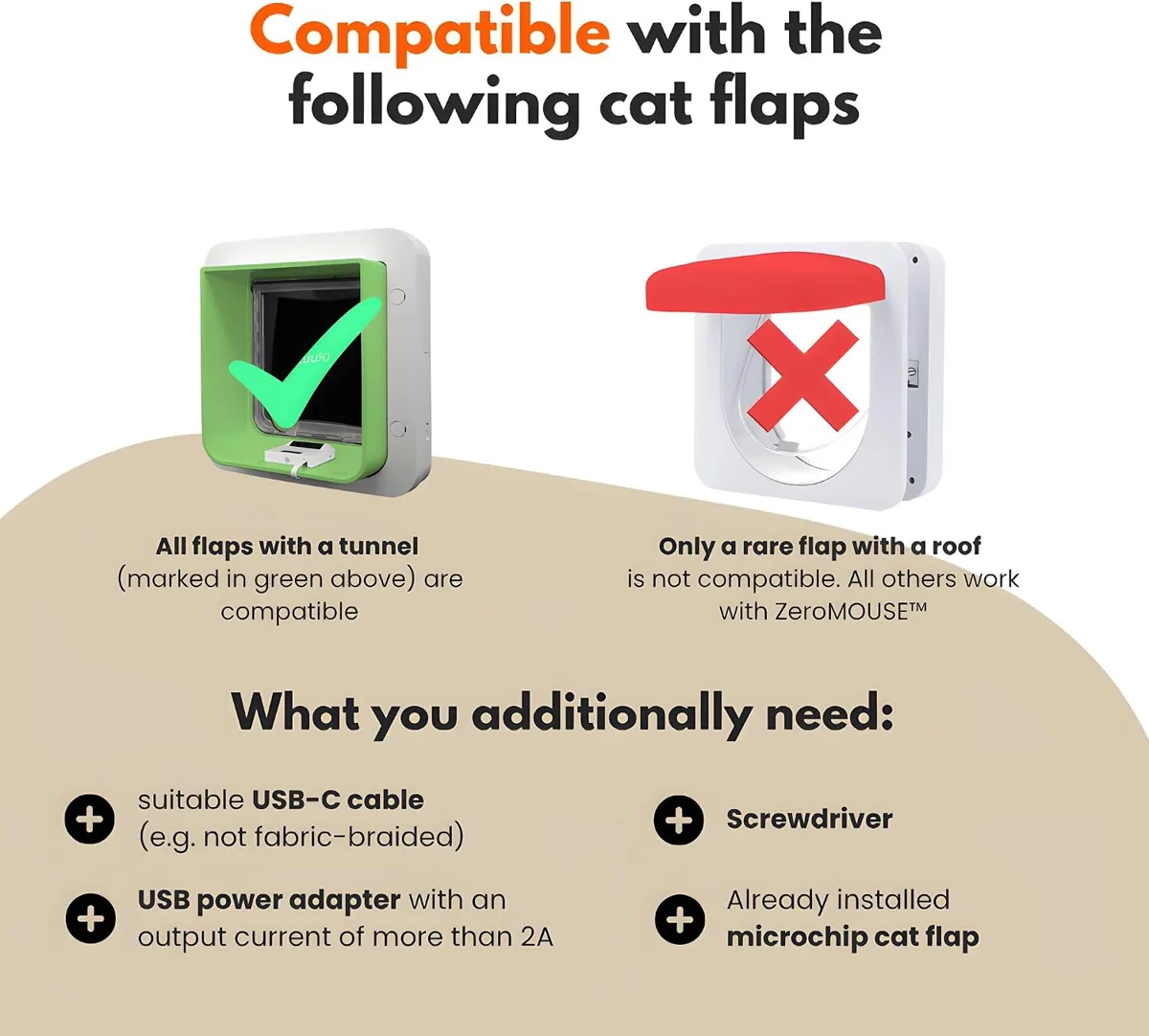
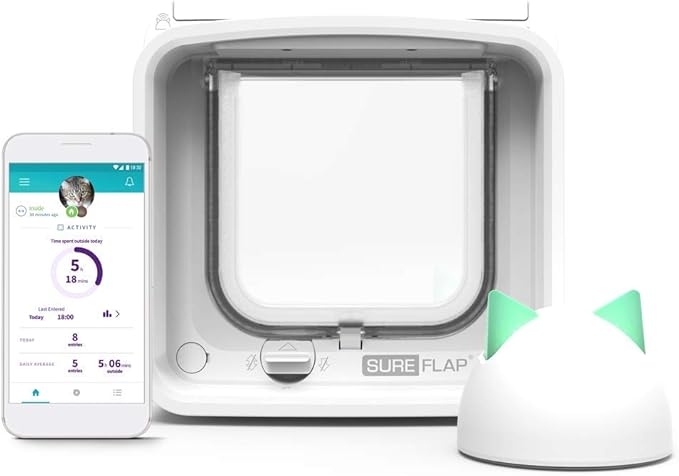
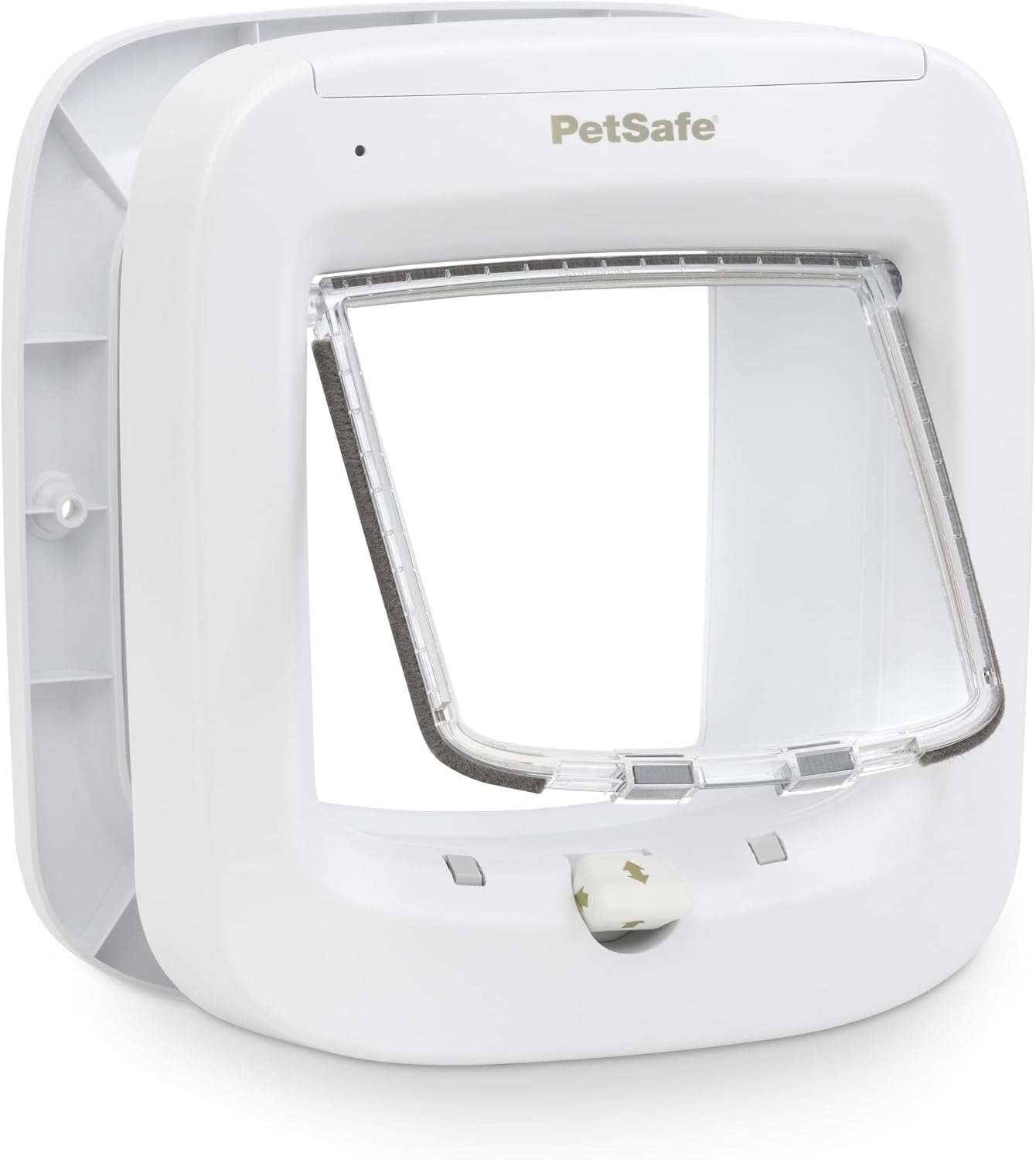
- Is your flap a microchip flap with a tunnel? (SureFlap, PetSafe Microchip, Cat Mate / Closer Pets Microchip)
- Is there a plug socket within reach of the flap's indoor side?
- Does your Wi-Fi reach the door? Test it by standing at the flap with your phone.
If any answer is no, read on before buying.
Step 1: Identify your cat flap
Look on the flap's indoor side or under the battery cover for a brand and model name.
Listed as compatible by UK retailers:
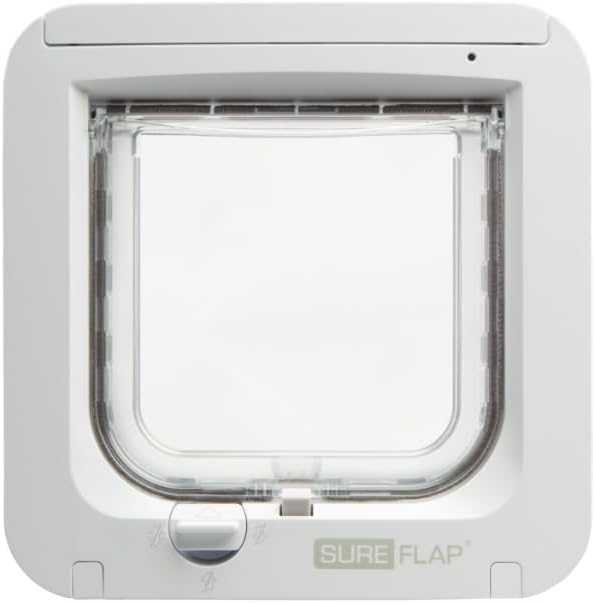
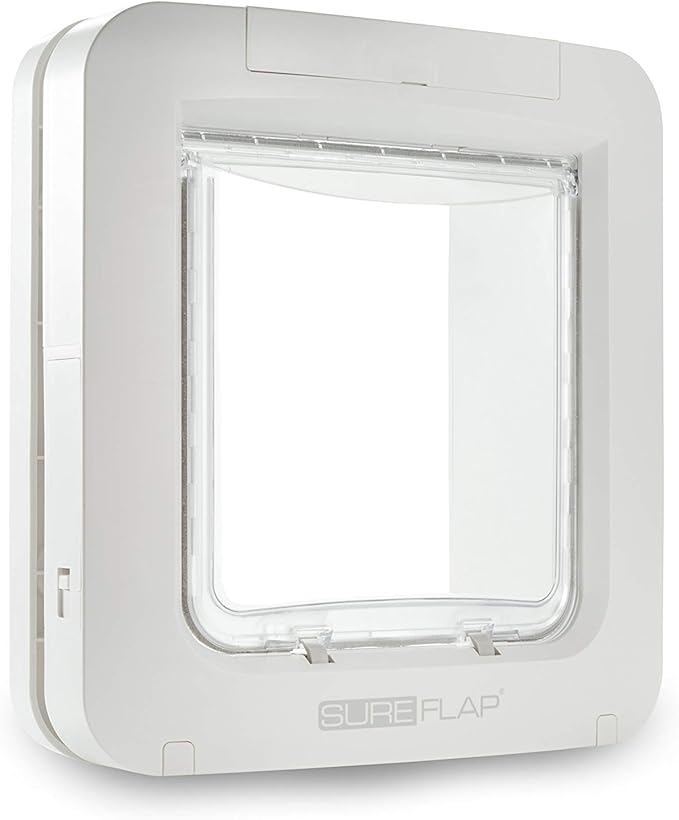
• SureFlap Microchip Cat Flap and SureFlap Connect
• SureFlap DualScan
• SureFlap Microchip Pet Door and Pet Door Connect
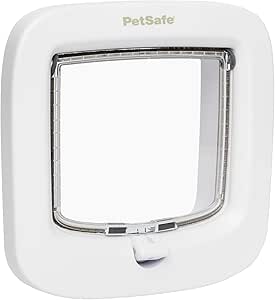
• PetSafe Microchip Cat Flap
• Cat Mate / Closer Pets Microchip Cat Flap
Not compatible:
• PetSafe PetPorte
• Flaps with a fixed roof-style hood over the tunnel
• Manual flaps and magnetic-collar flaps
If you have a manual flap, you'll need a compatible microchip flap first. See our best microchip cat flap guide.
Step 2: Plan the power
ZeroMOUSE runs constantly from USB-C mains power — there's no battery. You'll need:
• A USB-C plug (5 V, at least 2 A) and a USB-C cable that isn't fabric-braided. Neither is in the box.
• A socket close enough for the cable to reach neatly.
The plug and cable connection must stay indoors and dry. Clip the cable along the door frame or skirting so it can't be chewed or tripped over. If the nearest socket is across the room, it may be better to move the flap to a different panel or door — something we can advise on when quoting.
Step 3: Check Wi-Fi at the door
ZeroMOUSE uses Wi-Fi for photo alerts, app control and software updates. Back doors and garage doors are often Wi-Fi blackspots.
Stand at the flap and run a speed test on your phone. If it's slow or drops out, a Wi-Fi extender or mesh point nearby usually fixes it. The ZeroMOUSE app is set up over Bluetooth, so keep your phone with you during set-up.
Step 4: Fitting the sensor
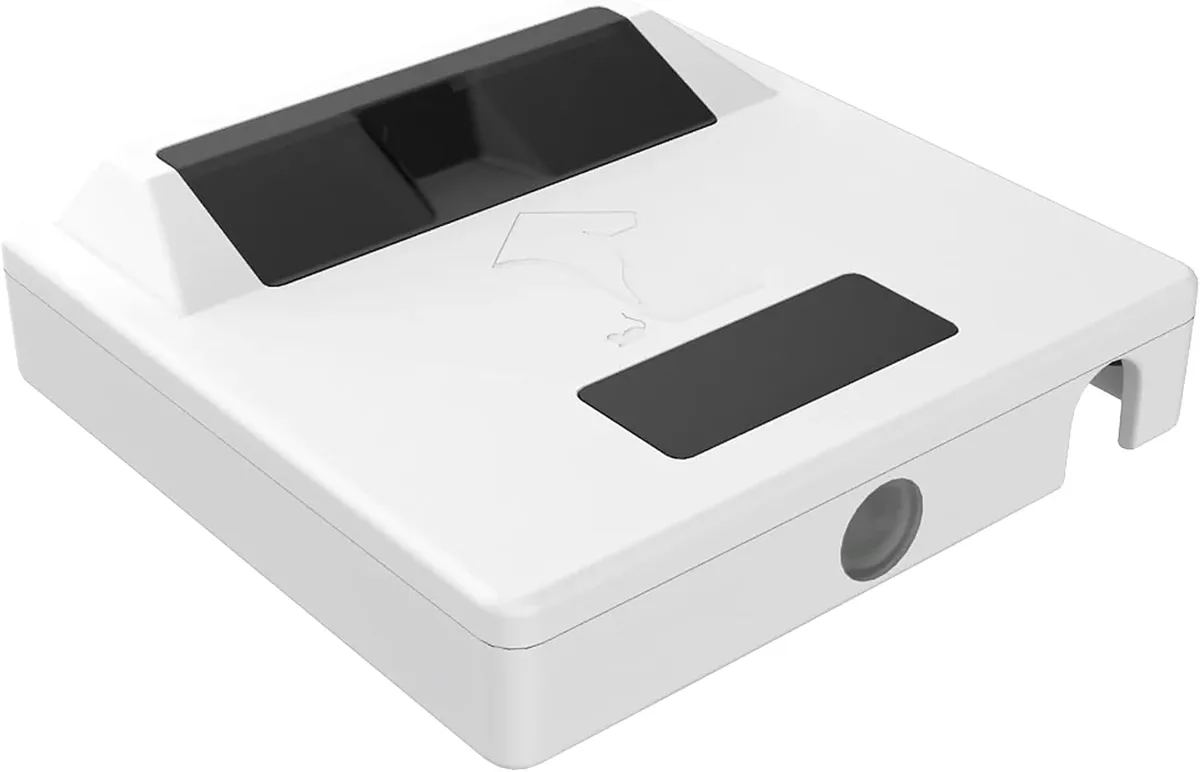
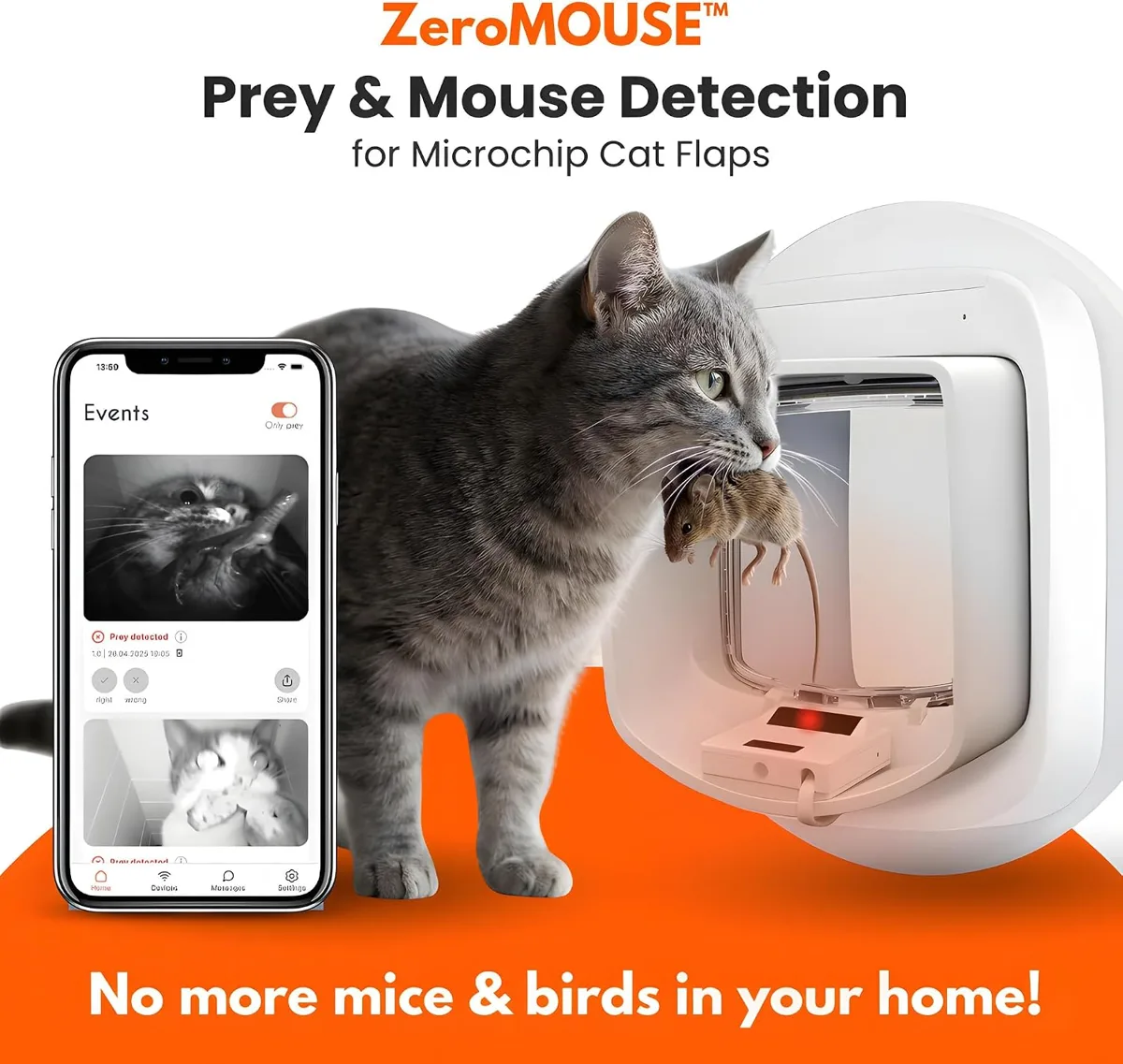
ZeroMOUSE describes installation as taking around 10 minutes:
- Clean the inside of the flap tunnel so the adhesive strips grip.
- Stick the sensor in place as shown in the ZeroMOUSE instructions.
- Run the cable to the socket and plug it in.
- Connect it to the app over Bluetooth and join your Wi-Fi.
ZeroMOUSE says the AI learns your cat's routine and lighting conditions over the first few weeks, so detection may improve with time.
When to call a fitter
The sensor itself is DIY. You might want a professional when:
• You need a new compatible microchip flap fitted first
• You want the flap moved nearer to a socket
• You're fitting the new ZeroMOUSE AI cat flap, which may need a slightly bigger cut-out than an old SureFlap or PetSafe
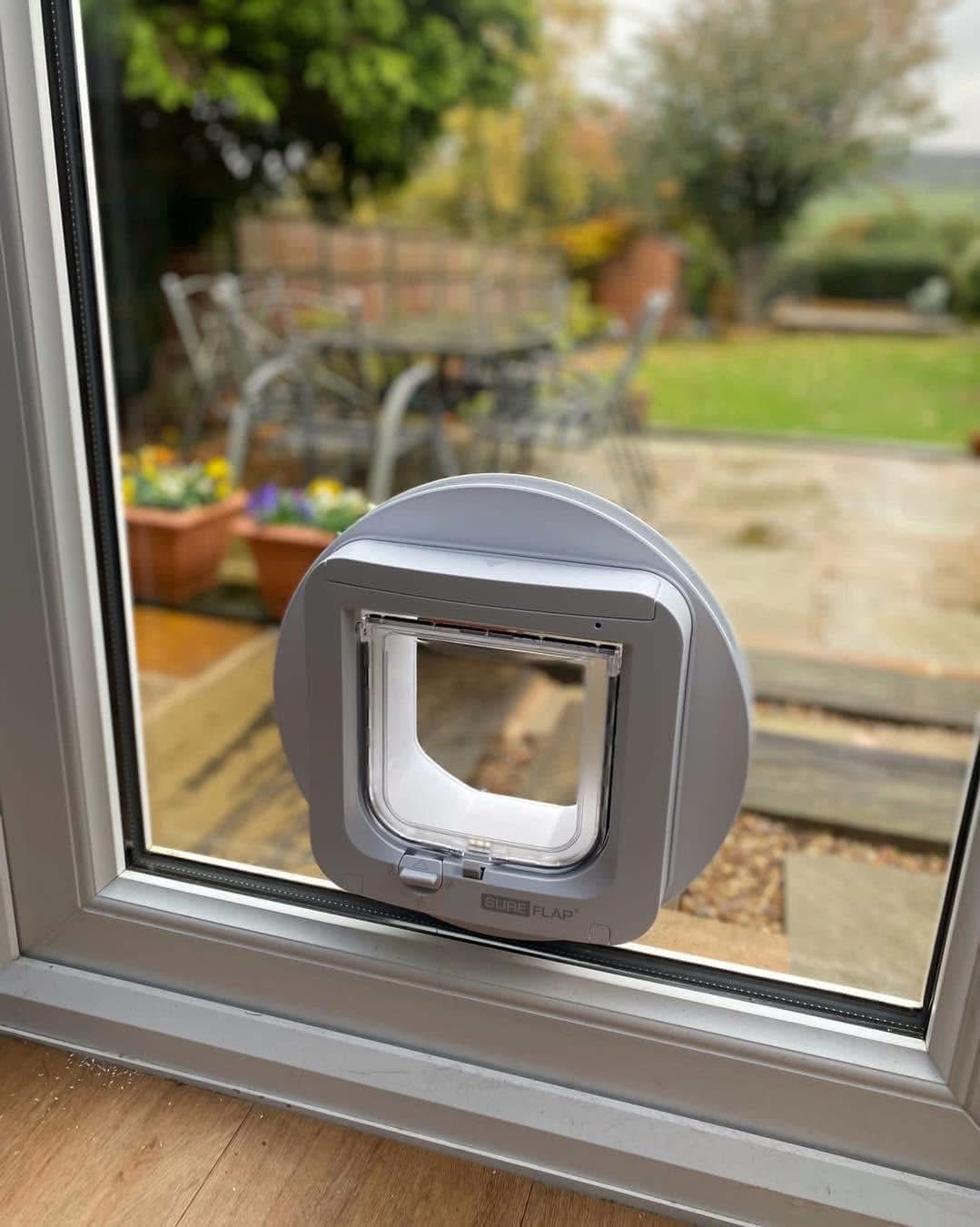
• The flap is going into glass — existing toughened glass can't be cut, so a new toughened panel is made with the hole cut before toughening
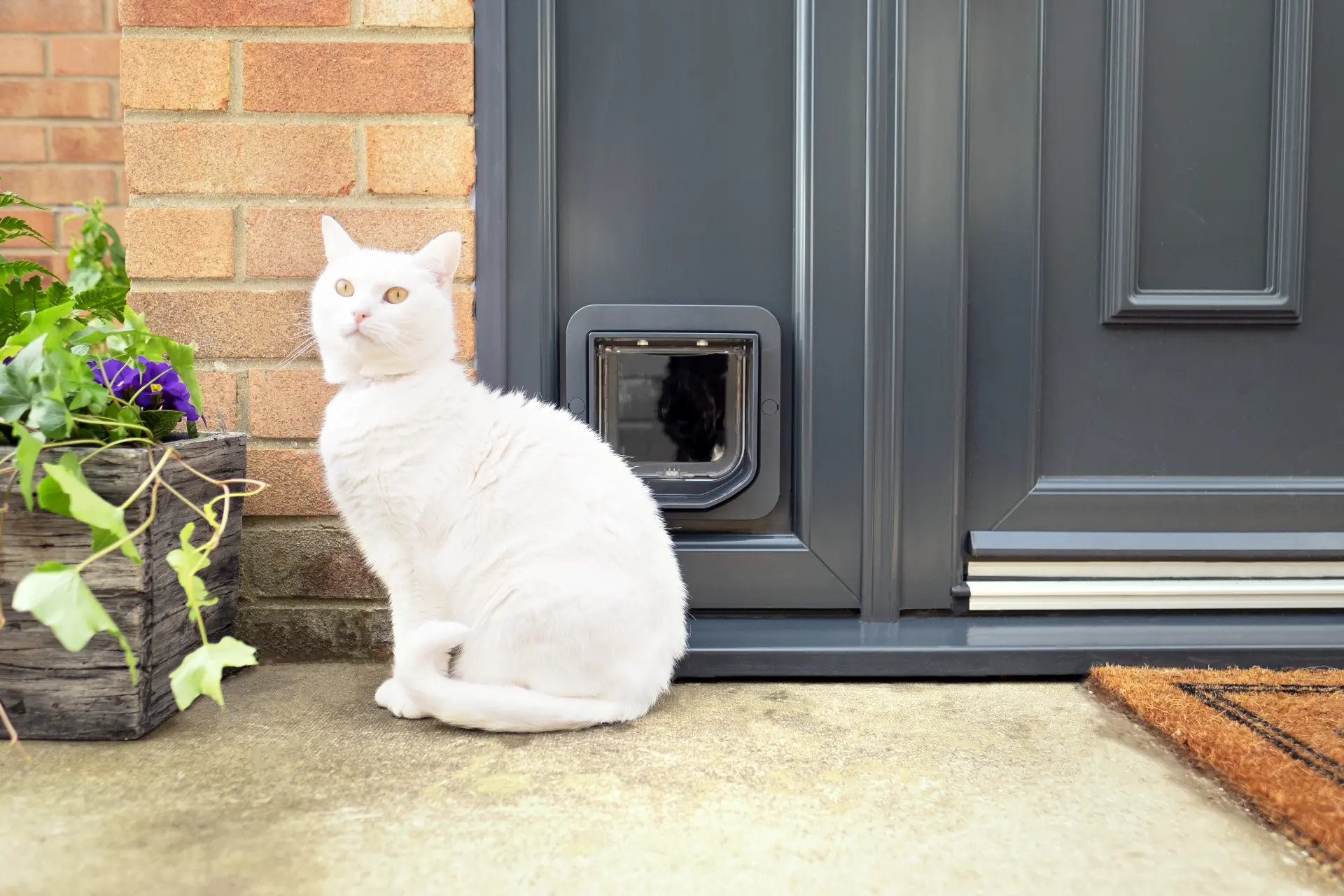
We fit cat flaps in uPVC, composite, wooden and glass doors, and we can install a flap you've already bought. Prices vary depending on door type, cat flap choice and location. Get a free quote.
Where to buy
ZeroMOUSE 2.0 is sold on Amazon UK (£209 when we checked on 2 November 2026) and direct from the manufacturer. Read our full ZeroMOUSE review for owner feedback before you buy.
Shop Microchip Cat Flaps on Amazon:
Manual Cat Flaps: