Microchip Cat Flap Not Working? 7 Common Problems & How to Fix Them
Before You Start: A Quick Check
Microchip cat flaps have batteries, a reader and moving parts. Start with these checks before changing any settings:
- Check the manual lock isn't set to keep your cat out
- Replace all batteries with fresh alkaline cells of the size your model requires
- Check the flap moves freely without forcing the lock
- Let your cat approach normally and listen for the lock click
Don't reset the memory yet — that can remove registered pets. Match the symptom below to the right fix.
Problem 1: Dead or Weak Batteries
This is the most common cause of microchip flap failure. The scanner needs consistent voltage to read chips and drive the locking motor.
Symptoms:
• Flap doesn't respond when your cat approaches
• LED is dim or doesn't flash
• Flap works intermittently — fine in the morning, dead by evening
• Lock makes a weak clicking sound but doesn't open
The fix:
• Use fresh, high-quality alkaline batteries (Duracell, Energizer, or equivalent). Standard SureFlap cat flaps use AA cells; the larger SureFlap Microchip Pet Door uses C cells. Check your own model before buying.
• Avoid rechargeable NiMH batteries — their voltage curve drops too quickly
• Replace all batteries at once, not one at a time
• Check the battery compartment for corrosion (white/green residue) and clean with a cotton bud and vinegar if found
Battery life:
• SureFlap Microchip Cat Flap: typically 6–12 months with one cat, 3–6 months with multiple cats
• SureFlap Connect: slightly shorter because of hub communication
• PetSafe Microchip: similar to SureFlap, around 6–12 months
If you've just replaced the batteries and it still doesn't work, move to Problem 2.
Need fresh batteries? Check the size printed on your flap first.
Problem 2: Your Cat's Chip Isn't Registered (Or Got Deleted)
Microchip flaps only open for chips they've been taught to recognise. If the memory was cleared — during a battery change, a factory reset, or a software glitch — your cat's chip is no longer in the database.
Symptoms:
• Flap works in manual/unlocked mode but not in chip mode
• The LED flashes red or orange when your cat approaches (not green)
• Other cats (or no cats) can get through, but yours can't
The fix:
• SureFlap: Press the memory button once. Put your cat's microchip near the scanner (on the outside of the door, where they'd normally approach). The LED will flash green to confirm registration. Repeat for each cat.
• PetSafe: Hold the learn button until the light flashes. Present your cat's chip. The light will stay solid for a few seconds to confirm.
Pro tip: register chips in the order your cats normally use the flap. The first chip registered becomes 'Cat 1' in the app (for smart models), which helps with tracking.
If the flap won't enter learning mode, the batteries may still be too weak — replace them and try again.
Problem 3: The Scanner Can't Read Your Cat's Chip
Not all microchips are created equal. The vast majority of UK pets have 15-digit FDX-B chips (ISO 11784/11785), which both SureFlap and PetSafe read perfectly. But a small number of older or non-UK chips use different standards.
Symptoms:
• Flap is in learning mode but won't register your cat
• The LED flashes red or doesn't react at all when your cat is right against the scanner
• Your vet has noted an unusual chip type
The fix:
• Check the chip type with your vet. Ask them to scan your cat and tell you the chip standard. FDX-B (15 digits) is universal. AVID (9 or 10 digits) and older Trovan chips may not be compatible with all flaps.
• SureFlap reads FDX-B, AVID and Trovan — the widest compatibility.
• PetSafe reads FDX-B and most AVID chips.
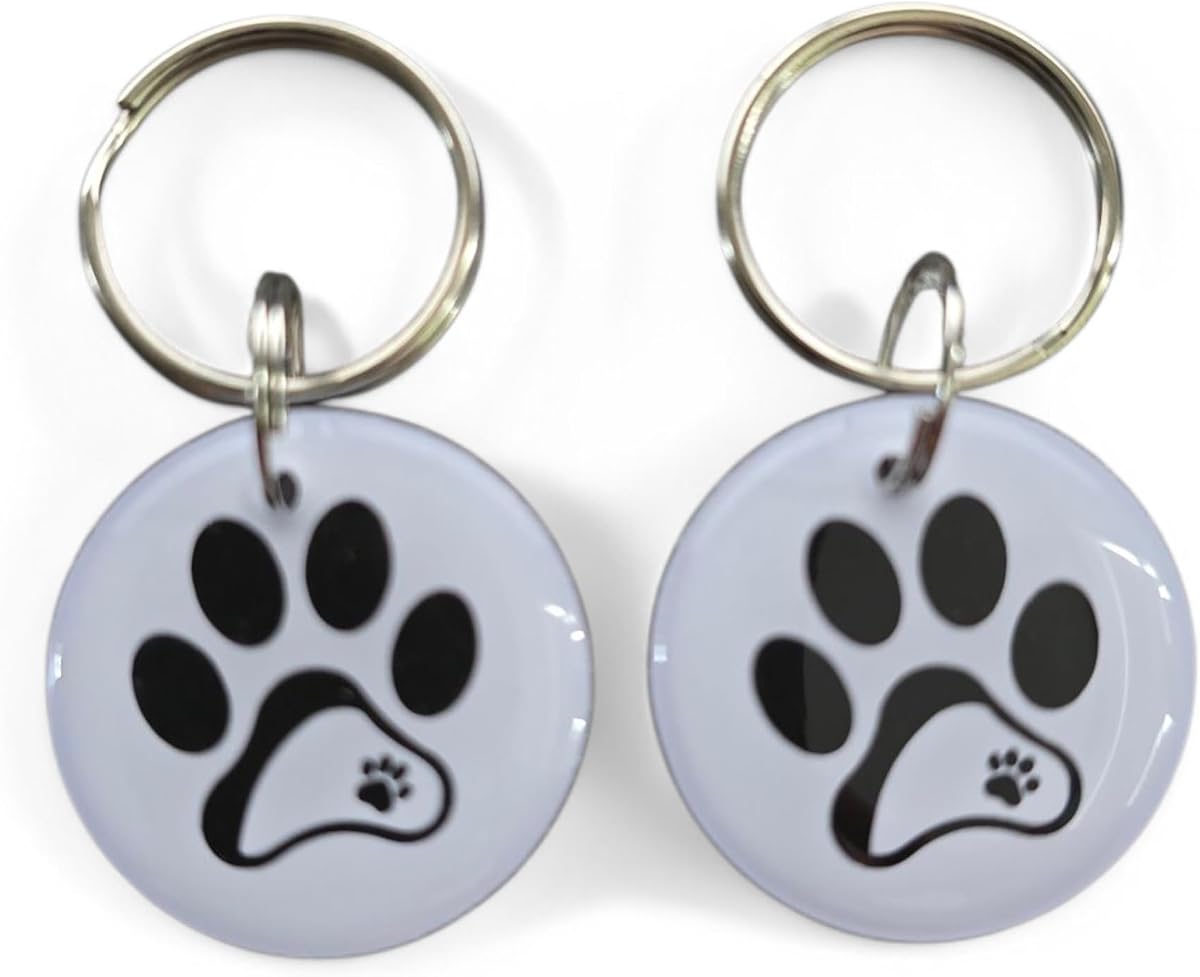
• If your chip is genuinely incompatible, ask your vet about re-chipping with an FDX-B chip or check whether your exact flap model supports a compatible RFID collar tag. A tag for another make or model may not work.
Scanner range: The chip must be within roughly 5–10 cm of the scanner. Long-haired cats with chips that have migrated down the shoulder may need to approach more closely or have the chip repositioned by a vet.
Only buy a collar tag if your flap's instructions confirm it supports that specific tag.
Problem 4: Dirty Scanner or Obstructed Flap
The microchip scanner sits under a small plastic window on the flap frame. If it's covered in mud, fur, dust or condensation, it can't read chips reliably. Similarly, if the flap itself is jammed with debris, the lock may click but the door won't move.
Symptoms:
• Flap works sometimes but not others — especially when it's wet outside
• The scanner LED flickers weakly
• The flap feels stiff or makes a grinding noise when pushed
• Your cat has to push harder than usual to get through
The fix:
• Clean the scanner window with a damp cloth and a tiny drop of washing-up liquid. Don't use abrasive cleaners — they scratch the plastic.
• Clean the flap tunnel with a soft brush or compressed air. Remove leaves, mud, fur and spider webs.
• Clean the scanner lenses / sensors on the underside of the tunnel. On SureFlap and PetSafe microchip flaps the reader has small lenses or sensor windows facing into the tunnel from below. A build-up of fur, dust or dried rain can block the chip scan even when the top window looks clean. Wipe these gently with a slightly damp microfibre cloth or cotton bud.
• Lubricate the hinge with a tiny amount of silicone spray (not WD-40 — it attracts dust). Work the flap back and forth ten times.
• Check the magnetic seal on the flap. A weak magnet means the flap doesn't close properly, which can let draughts and rain in. Replacement magnetic strips are available from the manufacturer.
Do this every 3–6 months as routine maintenance, or more often if you live on a muddy rural lane.
Problem 5: Metal Interference
Microchip readers use radio frequency (RFID) to communicate with the chip. Metal blocks or distorts RF signals. If your cat flap is fitted into a door or frame with significant metal content, the scanner may struggle to read chips reliably.
Symptoms:
• Flap works when tested in your hand but not when fitted in the door
• Only works if the cat approaches from a very specific angle
• Works for small cats but not larger ones (the chip is further from the scanner)
The fix:
• Check the installation: Is the scanner positioned too close to a metal door frame, steel reinforcement bar, or metal adapter? Even a few millimetres of adjustment can help.
• Add a spacer: Some installers use a thin plastic or composite spacer behind the flap frame to increase distance from metal. We do this on metal doors and aluminium frames as standard.
• Reposition the flap: If the current position is in a metal-heavy area of the door, moving it 10–15 cm can make a dramatic difference.
If you had the flap fitted by us and suspect metal interference, get in touch — we can reposition or add a spacer at minimal cost.
Problem 6: App or Firmware Issues (Smart Flaps Only)
SureFlap Connect and similar smart flaps rely on a Wi-Fi hub, companion app and firmware. When any of these three links break, the flap may appear to malfunction even though the hardware is fine.
Symptoms:
• Flap works manually but app shows it as 'offline'
• Curfew timer doesn't activate
• Notifications stop arriving
• App crashes or won't sync
The fix:
• Check the hub: Is it plugged in? Is the LED solid (not flashing)? Move it closer to the flap if possible — thick walls and microwaves interfere with the 2.4 GHz signal.
• Restart the hub: Unplug for 30 seconds, plug back in, wait 2 minutes for reconnection.
• Update the app: Old app versions often lose compatibility with cloud updates.
• Check SureFlap's service status: Their cloud service has occasional maintenance windows. Check surepetcare.com for outage notices.
• Factory reset (last resort): Hold the connect button for 10 seconds, then re-pair the hub and re-register all cats. You'll lose historical data but the flap will work again.
If you've tried everything and the flap is still unresponsive, it may be a hardware fault — see Problem 7.
Problem 7: Hardware Failure
Sometimes the flap itself has failed. Motors burn out, scanner circuits degrade, or water ingress damages the electronics. This is rare — SureFlap and PetSafe build robust products — but it happens.
Symptoms:
• No LED activity at all, even with fresh batteries
• Motor clicks repeatedly but the lock doesn't move
• Physical damage to the casing, scanner window or hinge
• Water inside the battery compartment
The fix:
• Check your warranty: SureFlap offers a 3-year warranty on most models. PetSafe offers 3 years on some, 1 year on others. Keep your receipt or Amazon order confirmation.
• Contact the manufacturer: SureFlap's UK support is responsive. They may send a replacement unit or a repair kit.
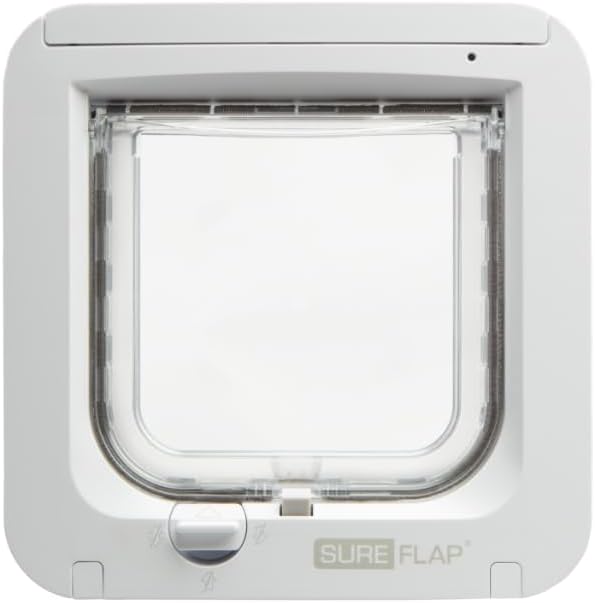
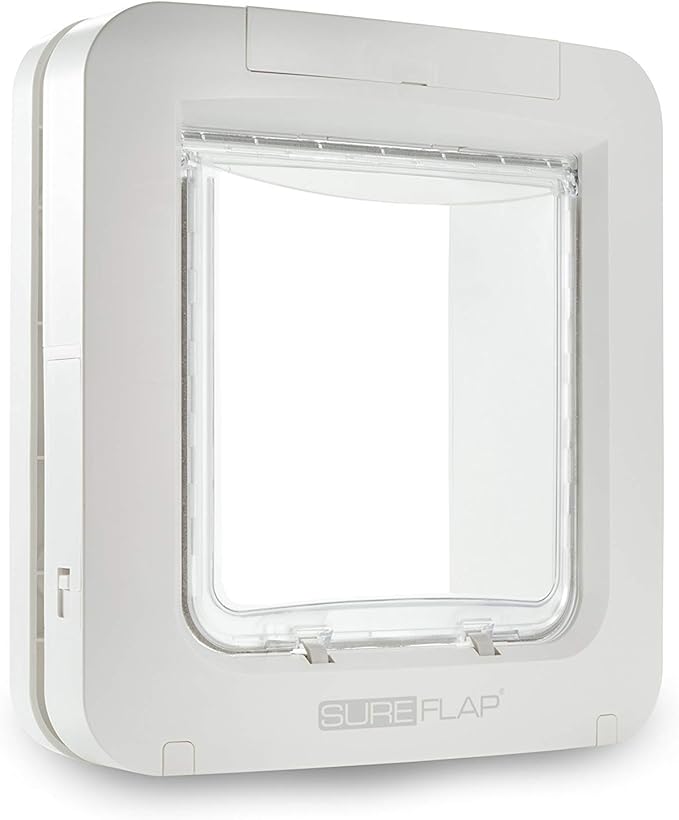
• Consider a replacement: If the flap is out of warranty and more than 5 years old, a new model may be the most cost-effective fix. Compare the SureFlap Microchip Cat Flap for most cats with the larger SureFlap Microchip Pet Door for large cats and small dogs. Check the opening size and your existing cut-out before ordering.
If you bought the flap through us and it's within warranty, we'll handle the manufacturer communication for you. If you need a replacement fitted, send us a message and we'll quote for the swap.
If it really needs replacing
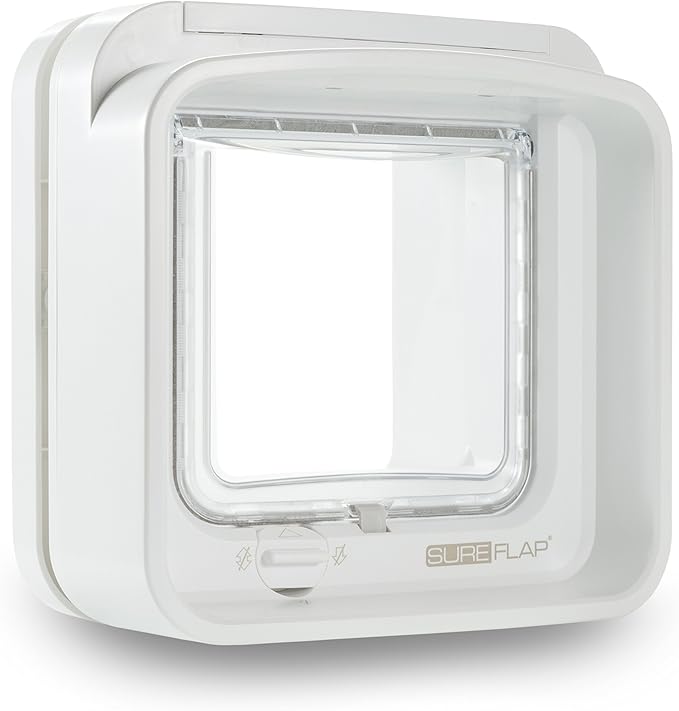
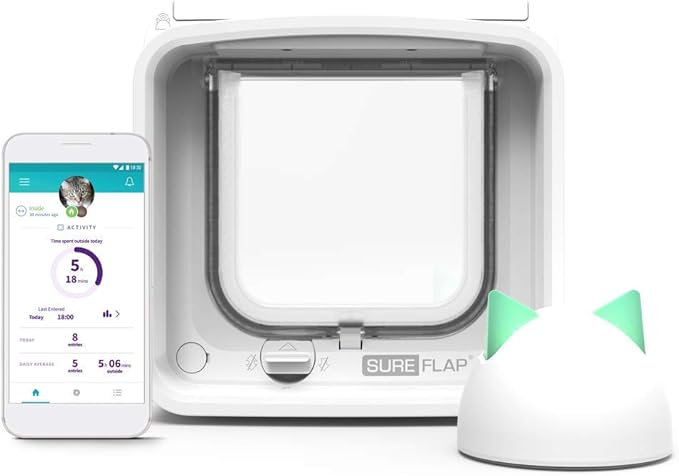
Check the warranty and measure your existing opening first. The Pet Door is the larger model; DualScan adds exit control for multi-cat homes; Connect adds app control (Pet Door Connect is its larger version).
Still Stuck?
If you've worked through all seven problems and your microchip cat flap still isn't working, it may be an installation issue rather than a product fault.
Common installation problems we fix:
• Flap fitted at the wrong height — the scanner is too low or too high for the cat's chip position
• Adapter sleeve missing or wrong size — the flap sits at an angle, stressing the lock mechanism
• Screws overtightened — warping the frame and jamming the flap
• Hole too small — the flap is forced in, distorting the tunnel and interfering with the scanner
Got a specific model? We've written model-specific versions of this guide: SureFlap Pet Door — 7 fixes, SureFlap Connect — 7 fixes and Pet Door Connect — 7 fixes.
We cover Manchester, Cheshire, Liverpool, Wirral, Lancashire, North Wales, Staffordshire and Yorkshire. Send us a photo of your flap and a description of the symptoms — we'll tell you whether it's a quick fix or needs a revisit.