SureFlap Pet Door Connect Not Working? 7 Common Problems & Fixes
Before You Start: A Quick Check
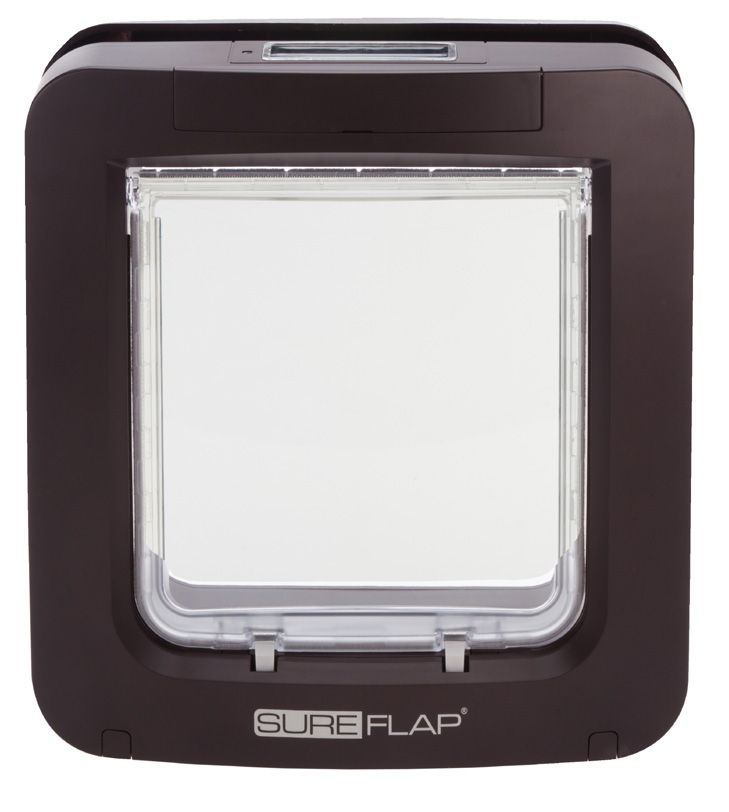
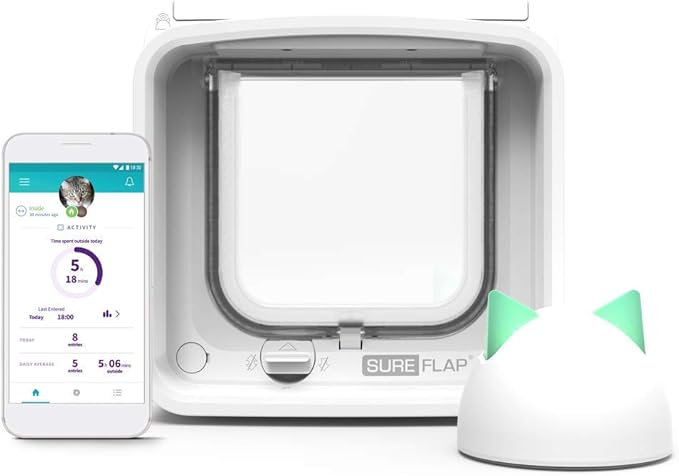
The Pet Door Connect combines the two models above: the large Pet Door frame (4 x C batteries, for big cats and small dogs) with the hub and app control of the Connect range. That means it has the most possible failure points of any SureFlap — but also the clearest symptoms. Start here:
- Does the flap still click when your pet approaches? If yes, it's a hub/app problem, not a flap problem
- Is the hub LED solid? Dark or flashing = Wi-Fi or pairing issue
- Is the curfew active? App-set curfews lock this door on schedule
- Fit 4 fresh C alkaline batteries — the largest motor in the range drains weak cells fastest
Match the symptom below to the right fix.
Problem 1: Dead or Weak C Batteries
This is the biggest unit in the range — the flap is heavier and the motor draws more current than any other SureFlap, so weak batteries cause faults sooner.
Symptoms:
• Flap doesn't unlock when your pet approaches
• App shows battery low or the flap as offline
• Works in the morning, fails by evening
• Lock clicks weakly but doesn't release
The fix:
• Fit 4 fresh C cell alkaline batteries (Duracell, Energizer or equivalent) — never rechargeable NiMH cells
• Replace all four at once
• Clean corrosion from the compartment with a cotton bud and vinegar
• Wait 2 minutes after fitting batteries for the flap to rejoin the hub
Expect 6–12 months with one pet; heavy use by a dog shortens that.
Need fresh batteries? Check the size printed on your flap first.
Problem 2: Your Pet's Chip Isn't Registered
Registration lives in the flap's memory and can be lost to a deep battery drain, a factory reset, or removing the pet in the app.
Symptoms:
• Works with the manual lock open but not in chip mode
• Your dog or large cat waits at the door and nothing happens
• Other pets get through but yours doesn't
The fix:
• Press the memory button on the flap once — the LED flashes
• Hold your pet at the door from the outside, shoulders passing under the scanner
• Green flash = registered. Repeat for each pet
• Check the app too: a pet archived or deleted in the app loses their registration
If learning mode won't start, fit fresh C cells and try again.
Problem 3: The Hub Is Offline or Won't Pair
The Hub plugs into your router and relays to the flap by radio. Router changes cause most hub faults.
Symptoms:
• App says offline but the door works normally
• Hub LED flashing or dark
• Stopped after a new router or Wi-Fi password change
The fix:
• Confirm the hub is plugged into the router (not just a power socket) with a solid LED
• Restart it: unplug 30 seconds, wait 2 minutes after reconnecting
• Restart the router if it still won't connect, then re-pair via the app if needed
• Move the hub closer to the door — this large unit is often fitted in back doors and utility rooms, far from the router. Thick walls and foil insulation cut the 2.4 GHz signal fast
The door keeps working as a standalone microchip door when the hub is offline — you only lose app features.
Only buy a collar tag if your flap's instructions confirm it supports that specific tag.
Check compatible tags on AmazonProblem 4: Read Range — Big Pets Sit Further From the Scanner
On a large dog or a Maine Coon, the chip sits lower between the shoulders and further from the scanner window at the top of the tunnel.
Symptoms:
• One pet recognised, the bigger one not
• Only reads when your pet pushes their head right into the tunnel
• Worked before a groom, fails when the coat grows back
The fix:
• Lure your pet to put their head fully through the tunnel — the read happens as the shoulders pass the scanner
• Ask your vet to scan and confirm the chip position — migrated chips read poorly
• Keep the scanner window and under-tunnel sensors spotless (see Problem 5)
• Persistent range problems on big dogs are usually a fitting height issue — the door needs to be low enough that the shoulders pass directly under the scanner. That's a reinstallation, not a repair
Problem 5: The Heavy Flap Jams or Lets Draughts In
This is the heaviest flap SureFlap makes — it amplifies grit, swollen frames and tired magnets.
Symptoms:
• Lock clicks open but the flap won't swing
• Your dog shoulders the flap hard
• Flap hangs open or doesn't snap shut
• Draughts and rain getting in
The fix:
• Clean the large tunnel with a soft brush — mud, leaves and fur collect in the bottom corners
• Wipe the scanner window and under-tunnel sensors with a damp microfibre cloth every 3 months
• Silicone spray on the hinge pins (not WD-40), working the flap back and forth ten times
• Check the closing magnets at the base — if the flap no longer snaps shut, the lock strains and draughts get in. Replacement magnetic strips are available from Sure Petcare
Problem 6: App Curfews and Lock Modes Conflicting
This model has a manual 4-way lock on the frame AND per-pet locks, curfews and notifications in the app. Either can override the other.
Symptoms:
• Door locked although the app says open
• Curfew at the wrong time after a battery change
• One pet locked in while others come and go
The fix:
• Check the manual lock dial first — it physically overrides everything
• Check per-pet locks in the pet's app profile — individual pets can be locked in or out
• Check curfews: re-set the schedule after any full battery change, which can reset the clock
• Allow up to a minute after app changes for the door to receive the new state
Problem 7: Hardware Failure
Motors fail, scanners degrade, water gets in. Rarer than battery and hub problems, but real.
Symptoms:
• No LED activity on fresh batteries
• Motor clicks repeatedly, lock never moves
• Water inside the battery compartment
• Cracked casing, tunnel or scanner window
The fix:
• Check the warranty — 3 years from Sure Petcare; your Amazon order confirmation is proof of purchase
• Contact Sure Petcare UK support — they typically send a replacement unit
• Replacing? Check the opening size and your existing cut-out first — see today's price on Amazon. If you don't need the app features, the standard SureFlap Microchip Pet Door is the same frame without the hub
• If it's fitted in glass, existing glass can't be cut — a new toughened panel with the opening pre-cut is required. Request a free quote
If it really needs replacing
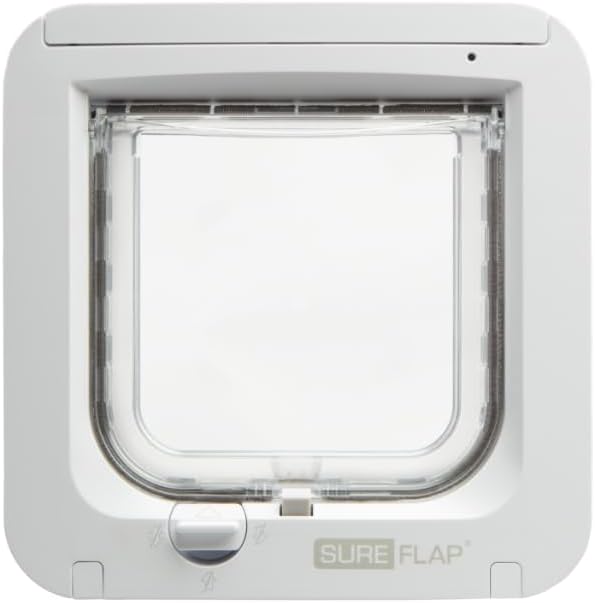
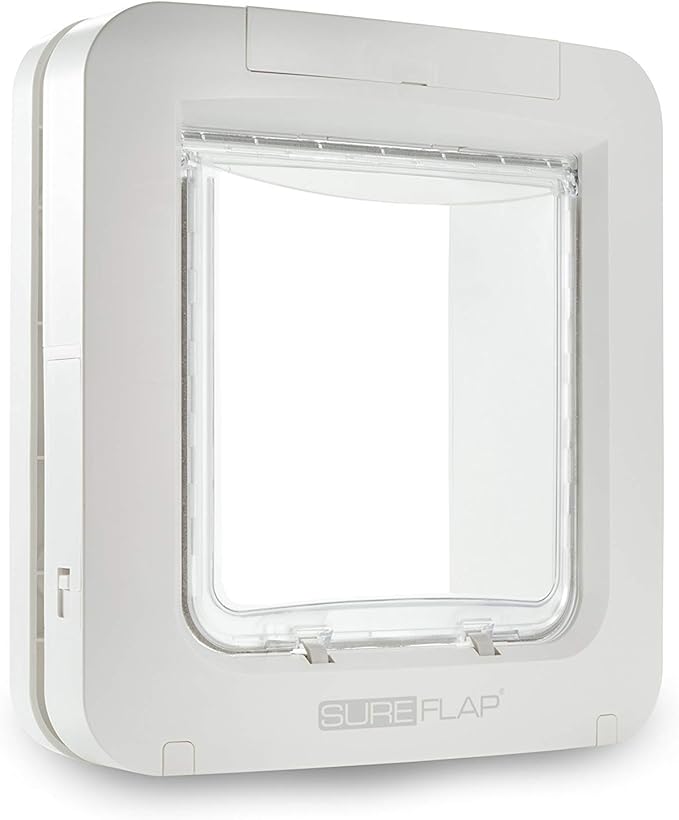
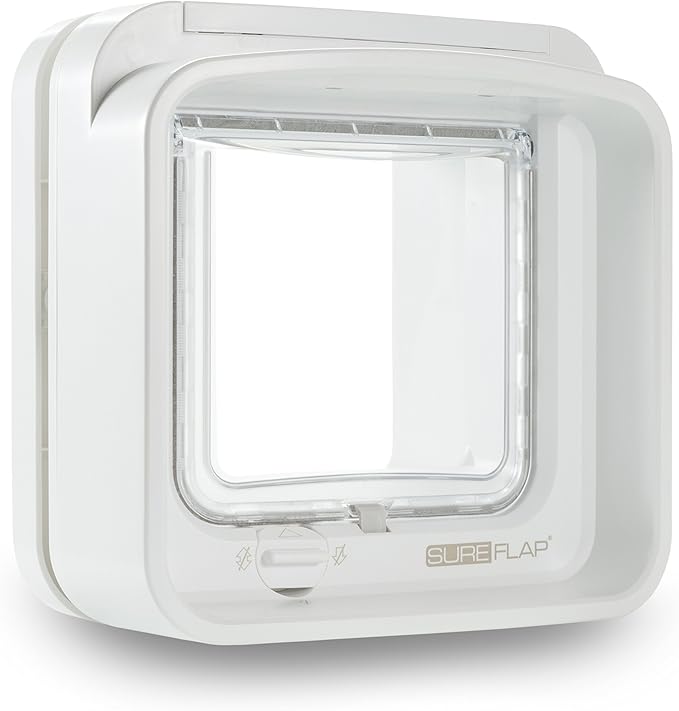
Check the warranty and measure your existing opening first. The Pet Door is the larger model; DualScan adds exit control for multi-cat homes; Connect adds app control (Pet Door Connect is its larger version).
Still Stuck?
If all seven checks fail, the cause is usually installation — fitting height for the pet's chip position, over-tightened screws warping the frame, or metal in the door detuning the reader.
More help:
• Microchip cat flap not working? The general 7-fix guide
• SureFlap Pet Door not working? 7 fixes
• SureFlap Connect not working? 7 fixes
• Best microchip cat flaps, ranked by a fitter
We fit and repair SureFlap Pet Doors across Manchester, Cheshire, Liverpool, Wirral, Lancashire, North Wales, Staffordshire and Yorkshire — send us a photo and the symptoms.
As an Amazon Associate we earn from qualifying purchases at no extra cost to you.