Microchip Cat Door Not Working? 7 Common Problems & Fixes (US Guide)
Quick Answer: Start With This 30-Second Reset
Microchip cat doors (called cat flaps in the UK) are reliable, but they're battery-powered electronics with a radio reader and a small locking motor. Nine times out of ten a failure is batteries, a lost chip registration, or a dirty reader.
Try this first:
1. Take all batteries out for 60 seconds 2. Put in fresh alkaline batteries — not rechargeables (see Problem 2) 3. Press and hold the memory / learn button until the light flashes 4. Walk your cat past the reader and listen for the lock click
Still not working? Work through the seven problems below in order — they're listed by how often we see them.
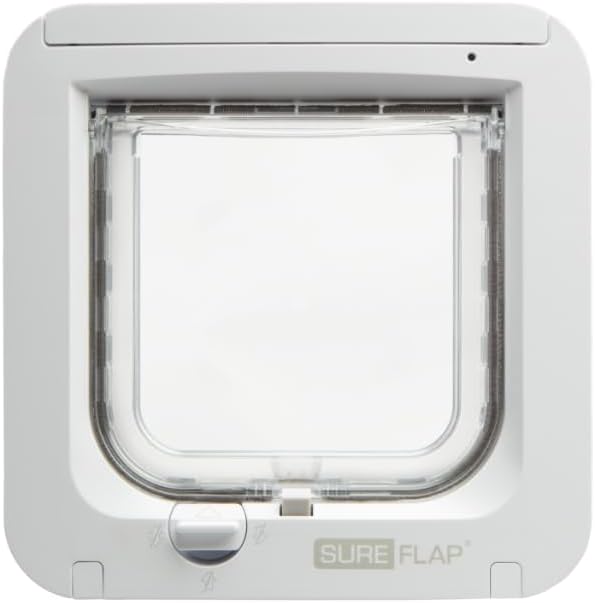
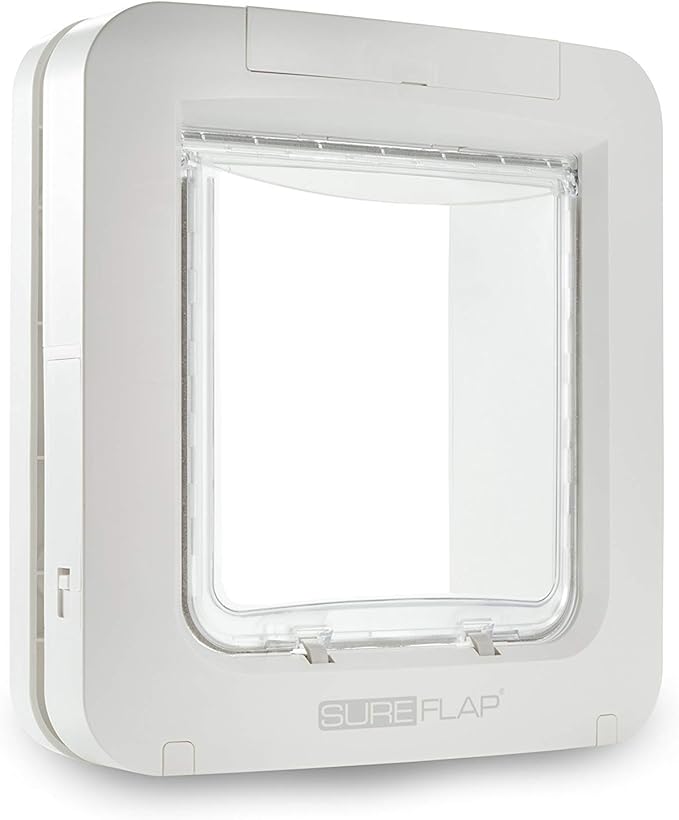
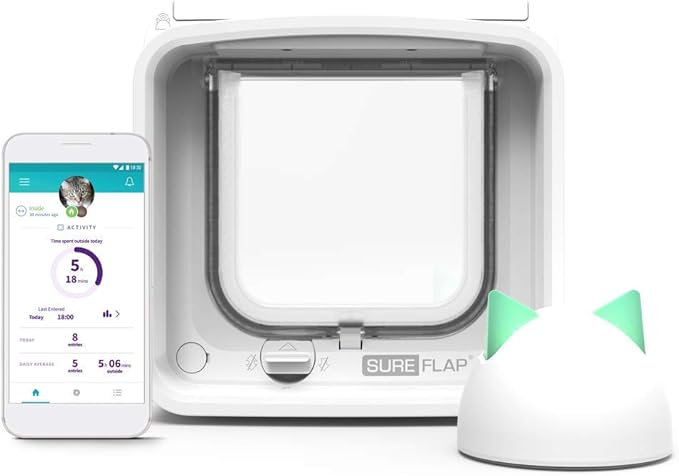
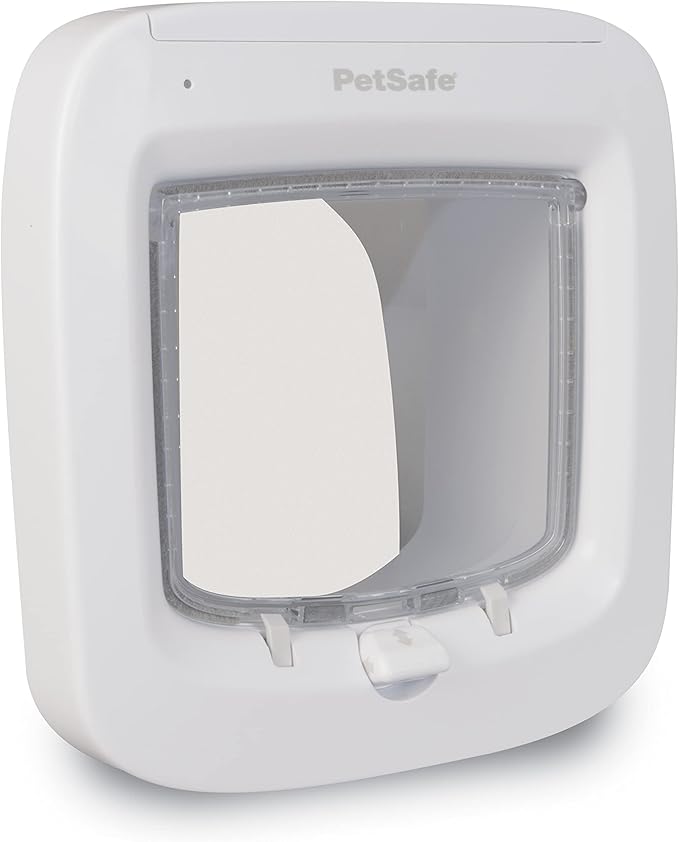
Shop Microchip Cat Flaps on Amazon:
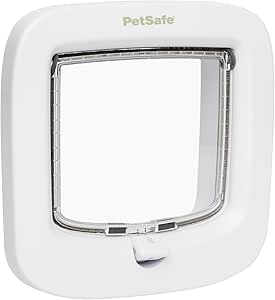
Manual Cat Flaps:
Problem 1: Dead or Weak Batteries
By far the most common cause. The reader needs steady voltage to scan a chip and drive the lock.
Symptoms
• No response when your cat approaches
• Dim LED, or no LED at all
• Works in the morning, dead by evening
• Lock clicks weakly but doesn't release
The fix
• Fit fresh alkaline AAs (Duracell, Energizer or equivalent)
• Replace all of them at once, never one at a time
• Check the compartment for white or green corrosion and clean it with a cotton swab and a little vinegar
Typical battery life: 6–12 months with one cat, 3–6 months with several. Connected/Wi-Fi models run shorter.
Buy the right batteries: alkaline AA batteries on Amazon. Larger doors (SureFlap Pet Door, DualScan, Connect) take alkaline C cells instead.
Problem 2: Rechargeable Batteries (A Hidden Cause)
Rechargeable NiMH cells are 1.2V rather than 1.5V, and their voltage drops off a cliff near the end of the charge. A microchip cat door will often power up, flash its light, and still fail to scan — because the reader browns out the moment the motor draws current.
The fix: use disposable alkaline batteries only. If you want to reduce waste, buy a bulk pack and change them on a schedule (twice a year is about right for most homes) rather than switching to rechargeables.
Problem 3: Your Cat's Chip Isn't Registered Anymore
A microchip cat door only opens for chips stored in its memory. A battery change, a factory reset or a glitch can wipe that memory.
Symptoms
• Works in manual/unlocked mode but not chip mode
• Red or orange LED when your cat approaches instead of green
• One cat gets through, another doesn't
The fix
• SureFlap: press the memory button once, then let your cat walk through from outside. A green flash confirms the chip is stored. Repeat per cat.
• PetSafe: hold the learn button until the light flashes, then present your cat. The light holds solid to confirm.
If the door won't enter learning mode at all, the batteries are still too weak — go back to Problem 1.
Problem 4: The Reader Can't Read That Chip Type
Most US pets implanted since about 2010 have a 15-digit ISO (FDX-B) chip, which every microchip cat door reads. But the US also has a long history of 125 kHz AVID (9 or 10 digit) and Trovan chips, which is a bigger issue here than in Europe.
What reads what
• SureFlap reads FDX-B, AVID and Trovan — the widest compatibility, and the safest choice if you don't know your cat's chip type
• PetSafe reads FDX-B and most AVID chips
The fix
• Ask your vet to scan your cat and tell you the chip number and standard. 15 digits = ISO/FDX-B and you're fine.
• If your chip genuinely isn't supported, you have two options: have your vet implant an additional ISO chip, or use the manufacturer's RFID collar tag, which the door reads instead of the chip.
Not sure? Our microchip compatibility checker tells you which doors read your cat's chip number.
Need a tag? SureFlap RFID collar tags on Amazon.
Problem 5: Dirty Reader or Jammed Flap
The reader sits behind a small plastic window on the frame, with sensor lenses facing into the tunnel from below. Fur, dust, mud and condensation all block it.
Symptoms
• Works sometimes, especially worse in wet weather
• Flickering LED
• Stiff or grinding flap, cat having to shove harder than usual
The fix
• Wipe the reader window with a damp cloth and a drop of dish soap — never abrasives
• Clear the tunnel of leaves, fur and cobwebs with a soft brush
• Wipe the sensor lenses on the underside of the tunnel with a cotton swab
• Lubricate the hinge with a touch of silicone spray (not WD-40 — it attracts grit)
• Check the magnetic closure strip; a weak one lets the door hang open and lets weather in
Do this every three to six months as routine maintenance.
Problem 6: Metal Interference
Microchip readers are low-power RFID. Metal absorbs and distorts that signal — and US homes are full of steel entry doors, aluminum storm doors and metal-clad slabs.
Symptoms
• Works when you test it in your hand but not once mounted
• Only opens if the cat approaches from one exact angle
• Works for a small cat, not a bigger one
The fix
• Add a plastic or composite spacer behind the frame to move the reader away from metal
• Move the door unit 4–6 inches away from a steel reinforcement bar or frame edge
• On a fully steel door, mount into an adjacent wall, a screen door or a glass panel instead
Even a few millimeters of clearance can turn an unreliable door into a reliable one.
Problem 7: App, Hub or Hardware Failure
Connected models (SureFlap Connect and similar) depend on a hub, an app and firmware. If the door works manually but shows offline, restart the hub (unplug 30 seconds), move it closer to the door — 2.4 GHz doesn't like thick walls — and update the app. A 10-second press of the connect button factory-resets it, at the cost of your history.
Genuine hardware failure is rare but real: no LED at all on fresh batteries, a motor that clicks endlessly without releasing, cracked casing, or water in the battery bay. Check your warranty first — most manufacturers cover three years on their microchip models. If it's over five years old and out of warranty, a replacement usually costs less than a repair and scans faster.
Replacing it? The two we'd buy today: SureFlap Microchip Cat Door for an average cat, or the SureFlap Microchip Pet Door for a large cat or small dog.
When It's the Installation, Not the Door
If all seven fixes fail, the fault is often how the unit was fitted rather than the unit itself. The four we see most:
• Mounted too low or too high, so the reader never gets close to where the chip sits between the shoulder blades
• Missing or wrong-size tunnel extension, leaving the unit at an angle and straining the lock
• Over-tightened screws warping the frame so the flap binds
• An undersized cutout, squeezing the tunnel and detuning the reader
A quick test: hold the door unit in your hands, away from the doorway, and pass your cat's chip (or the collar tag) across the reader. If it scans there but not in the door, it's installation or metal interference, not the electronics.
In the UK? We fit and repair microchip cat flaps across North West England, North Wales, Staffordshire and Yorkshire — request a free quote. Elsewhere, this guide should get you to the fault without a service call.
More reading: the best microchip cat doors, ranked by a fitter.