SureFlap Not Reading Microchip? 9 Fixes That Actually Work
Why a SureFlap Stops Reading Microchips
SureFlap microchip cat flaps are usually rock-solid, but when they stop reading the chip the cause is almost always one of these:
- Flat or weak batteries — by far the most common cause
- Programming corruption — needs a factory reset
- Antenna interference from metal door frames or appliances
- Chip migration — the microchip has moved in your cat's neck
- A failing chip (rare, but happens with older implants)
- Damaged tunnel sensor
- Crossed/dead memory after multiple programmings
- A faulty unit (warranty replacement)
Fix 1: Replace the Batteries (Even If They 'Look Fine')
SureFlap battery indicators are notoriously optimistic. The flap may register full bars but still fail to read a chip when voltage drops under load.
Use 4 × brand-new AA alkaline batteries (not rechargeables — they output 1.2V vs the 1.5V the flap needs). Duracell, Energizer or Panasonic — supermarket own-brand is fine but avoid 'long-life' lithium AAs as they can confuse the voltage sensor.
This fixes around 60% of all 'not reading' problems.
Fix 2: Factory Reset
Hold the Add/Remove button for 10 seconds until the indicator flashes. Re-add your cat by holding the button briefly and pushing them through the flap (or pressing the chip against the top of the tunnel where the antenna sits).
If the flap beeps once and lights up green, you're done. If it beeps twice or flashes red, see Fix 3.
Fix 3: Test the Microchip is Still Readable
Pop into your vet — most will scan your cat's chip free in under a minute. If the vet's scanner reads the chip, it's still there and working; the flap is the issue. If the vet can't find it, the chip has either migrated (very common — it can drift down the shoulder or chest) or failed (rare).
Migrated chips: ask your vet to scan the full neck, shoulder and chest area. Note the new location so you can hold your cat correctly at the flap.
Fix 4: Move Metal Away from the Flap
The antenna ring inside the SureFlap tunnel is sensitive to metal interference. Common culprits:
• Metal door reinforcement plates within 30cm
• Aluminium thresholds directly under the flap
• A fridge or washing machine on the other side of the wall
• Magnetic catflap collars (yes — even on different cats in the house)
Move what you can. If the door itself is metal-cored, the SureFlap may need re-mounting with a non-metallic spacer.
Fix 5: Clean the Tunnel and Antenna Window
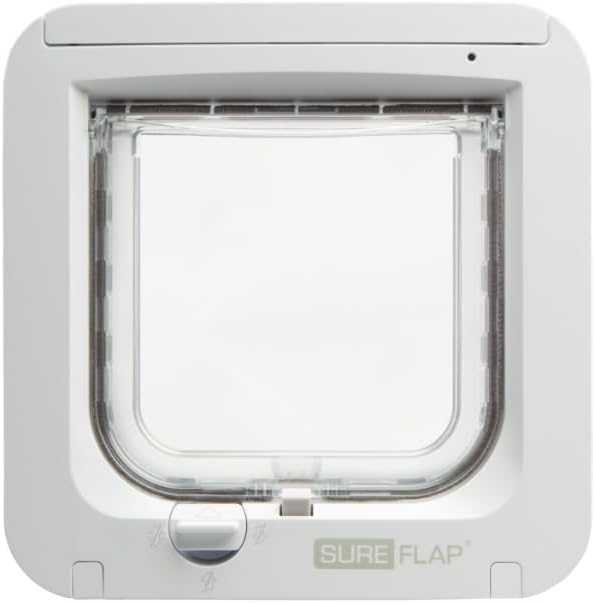
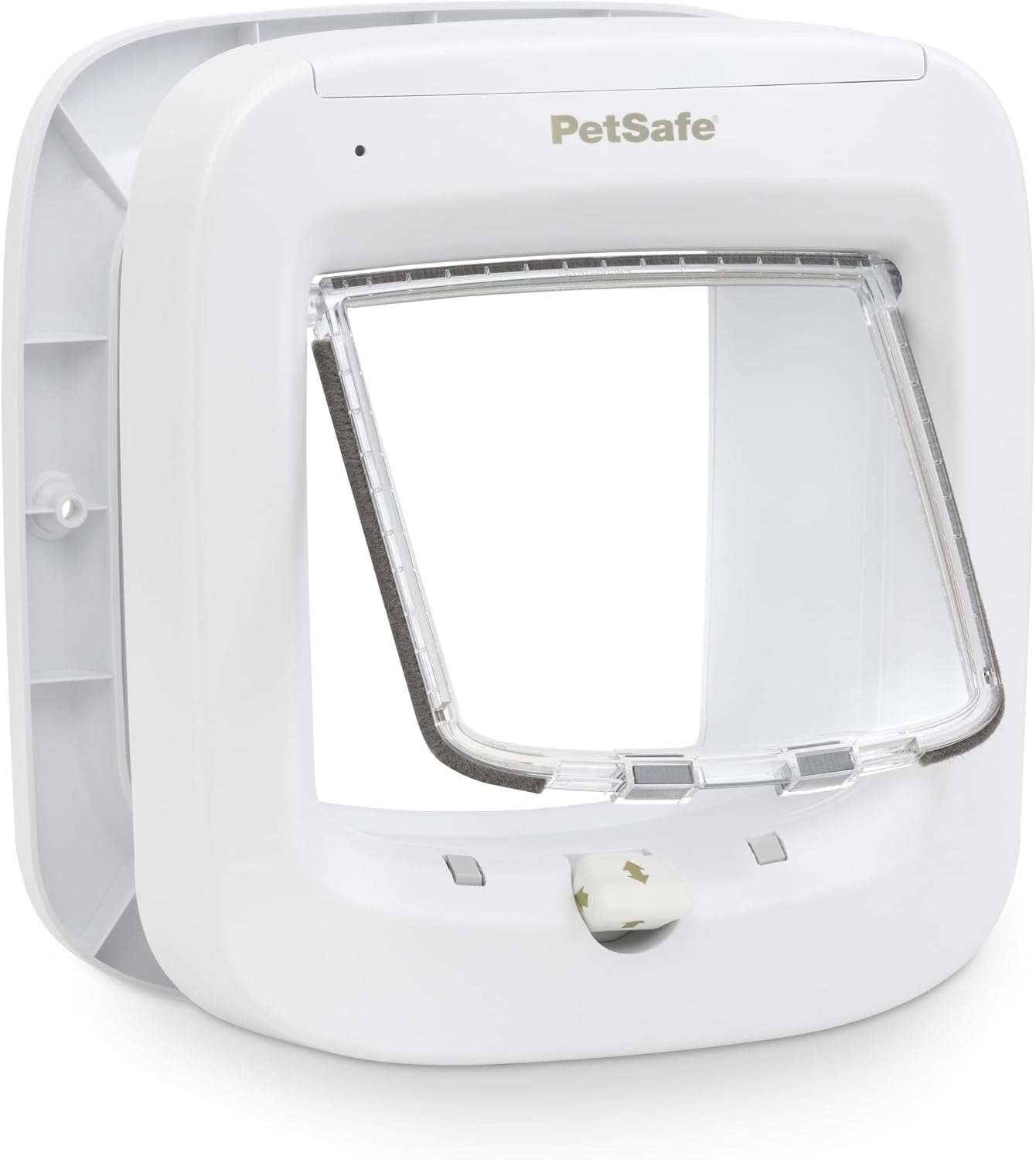
Hair, dust and condensation build up around the inner tunnel. Wipe with a slightly damp cloth (no spray cleaners — they get into the electronics). Pay attention to the upper inner tunnel where the antenna ring sits — that's where the chip needs to be read.
Fix 6: Re-Programme the Cat
Delete your cat from the memory: hold Add/Remove for 5 seconds until the light flashes red, then briefly press to confirm deletion. Then re-add fresh.
If you have multiple cats, delete and re-add all of them — corrupted memory entries cause partial failures.
Fix 7: Check for Firmware Issues (Connect Models)
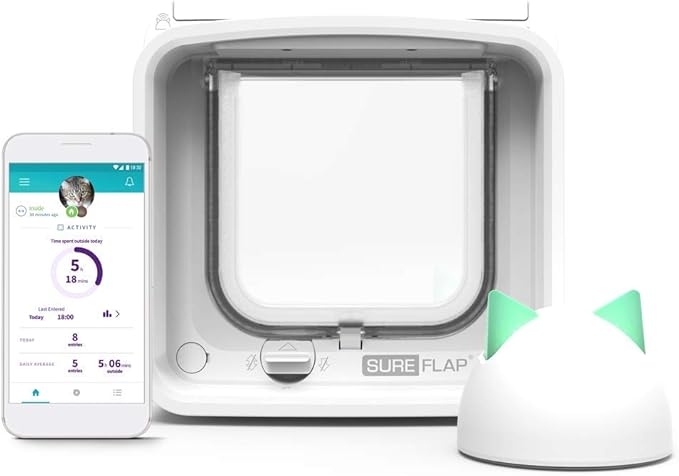
If you have a SureFlap Connect (the app-controlled version), open the Sure Petcare app, go to Settings → Devices → your flap → Firmware. Force an update if available. Disconnect and reconnect to your hub if it's stuck.
Fix 8: When to Claim Warranty
SureFlap include a 3-year warranty on all microchip flaps. If you've tried fresh batteries, factory reset, vet-confirmed the chip, and the flap still won't read — email support@surepetcare.com with your serial number (inside the battery compartment) and proof of purchase. Replacement is usually free.
Fix 9: When to Replace
Out of warranty and still failing? SureFlap units typically last 7–10 years. If yours is older and faulty, a like-for-like replacement is usually best — the new flap drops into the existing aperture in 15 minutes and you keep your existing glass panel or door cut-out. We can supply and swap for a confirmed price — request a quote.
Shop Microchip Cat Flaps on Amazon:
Manual Cat Flaps: